How to use the model across the steel fabrication process — connecting estimating, purchasing, production, and project management
VIDEO: Igor Guerra from Construsoft discusses the challenges in Steel Fabrication and how Tekla PowerFab can help you do more with the 3D model and digital process involving all steps in the process — from estimating to purchasing, production, and shipping.
With 14 years of experience working with steel fabricators in the construction and industrial sectors, Igor Guerra of Construsoft has seen many companies face similar workflow challenges across estimating, purchasing, inventory control, production, and delivery.
In the video above, he explains how these issues often begin when information from the model is separated from the rest of the process and managed through drawings, spreadsheets, paper records, and disconnected updates — and how Tekla PowerFab can help connect those workflows.
Where disconnected workflows cost time and money
Many steel fabricators already work with detailed 3D models in Tekla Structures, but key parts of the job are still handled separately.
Estimating is often still based on drawings and manual input.
Purchasing and inventory checks may depend on spreadsheets or stock reviews outside the main workflow.
Project managers and production managers may be working from status information that is delayed or spread across different tools.
In the warehouse, shop, and field, teams may still rely on printed drawings, paper-based updates, or verbal handovers.
This creates repeated data entry and makes it harder for teams to work from the same current information.
Office staff may be working with one version of the job, while the people receiving material, moving stock, updating progress, or loading trucks are working from another.
Where Tekla PowerFab fits in
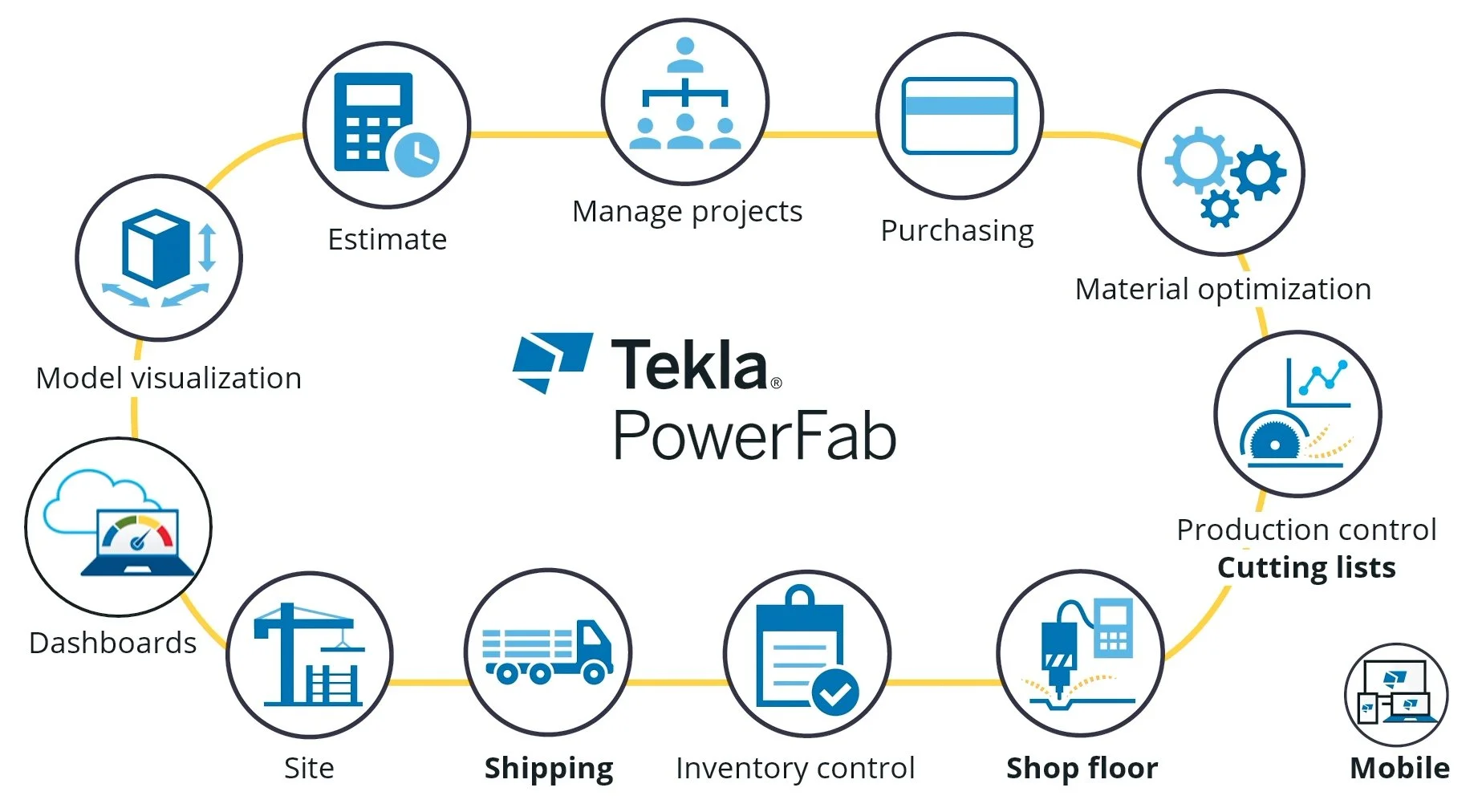
IMAGE: Tekla Powerfab connects people across the steel fabrication organization.
Tekla PowerFab is intended to carry model information further into fabrication management. Instead of treating the model only as a detailing output, it connects that information to estimating, purchasing, inventory, production tracking, shipping, and field updates.
It also helps bring different parts of the organization closer together. Office-based teams can work with the level of detail and control needed to manage estimating, purchasing, projects, and production.
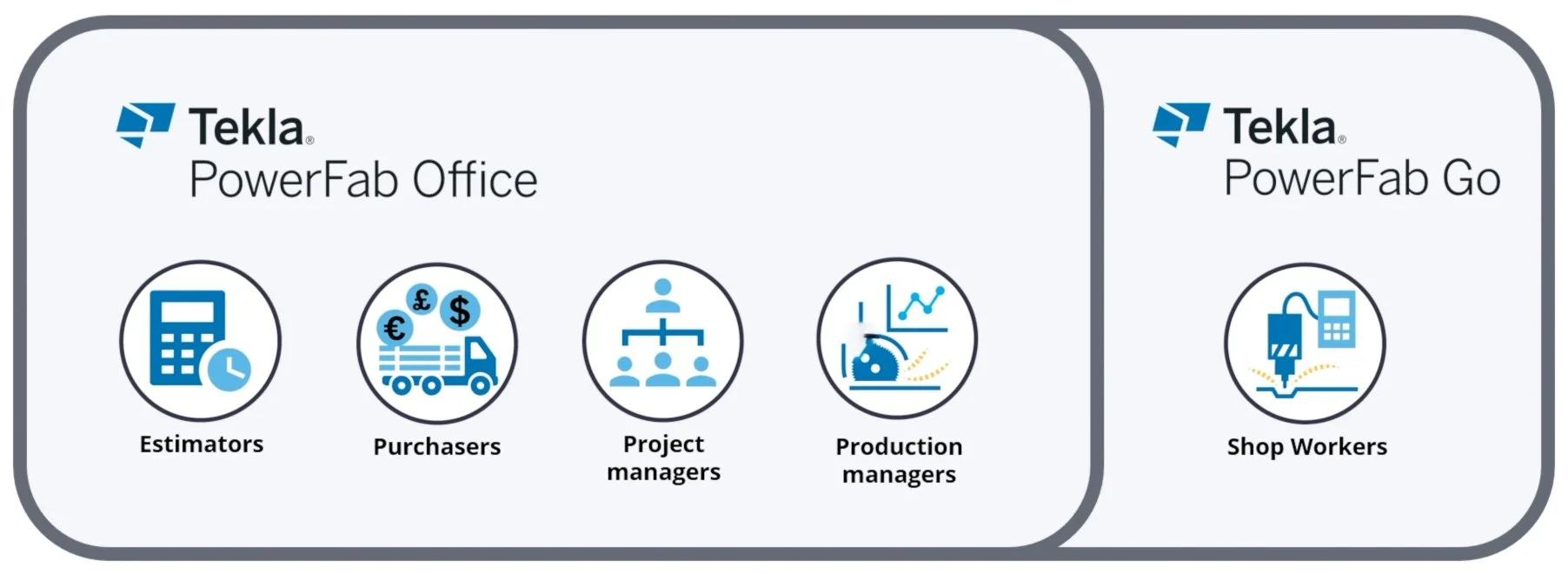
IMAGE: Tekla Powerfab Office is a desktop-based solution for office, while shop workers and people in the field use Tekla PowerFab Go, and Trimble Connect.
At the same time, warehouse staff, shop workers, and field teams can work through a simpler mobile interface that is easier to use in day-to-day operations. That allows information to be entered where the work is happening, instead of being written down first and transferred later.
In practical terms, this supports more consistent estimating, better material control, clearer traceability, and more current production reporting across the fabrication process.
How to get started?
IMAGE: Måns Alhem (left) and Frode Vollan (right) in our team in the Nordics, and Igor Guerra (center) from the team in Portugal.
The biggest sources of friction are not always the same from one fabricator to another. For some, the main issue is estimating. For others, it is material control, production visibility, shipping coordination, or the handover between office and shop-floor teams.
Improving that usually starts with a careful review of how information moves through the business, where manual handovers are creating risk, and where better alignment is needed across management, office teams, and operations.
If that review shows a need for a more connected workflow, Tekla PowerFab is a platform worth considering.
If you would like to discuss where those gaps may exist in your own process, our team can help you assess that more closely.
OTHER ARTICLES